Amazon Listing Cleanup Workflow: Titles, Item Highlights, Images, and A+ Content
Amazon listing cleanup is not one task.
It is a system.
Where this stands now: with Amazon's July 27, 2026 title deadline under three weeks away (as of early July 2026), sequence the workflow below by urgency — titles and Item Highlights are the only stages tied to the deadline, so finish those first. Images, listing image sets, and A+ content matter, but they can follow after the cutoff without penalty.
An Amazon listing cleanup workflow sequences four stages: shorten and rewrite titles to 75 characters, move the details that no longer fit into Item Highlights, update listing images so features and use cases are shown visually instead of stated in text, then refresh A+ Content so the product story still holds together once the title carries less information.
A seller may start with a title problem because Amazon is moving most non-media product titles toward 75 characters. But once the title becomes shorter, the rest of the listing has to carry more of the product story.
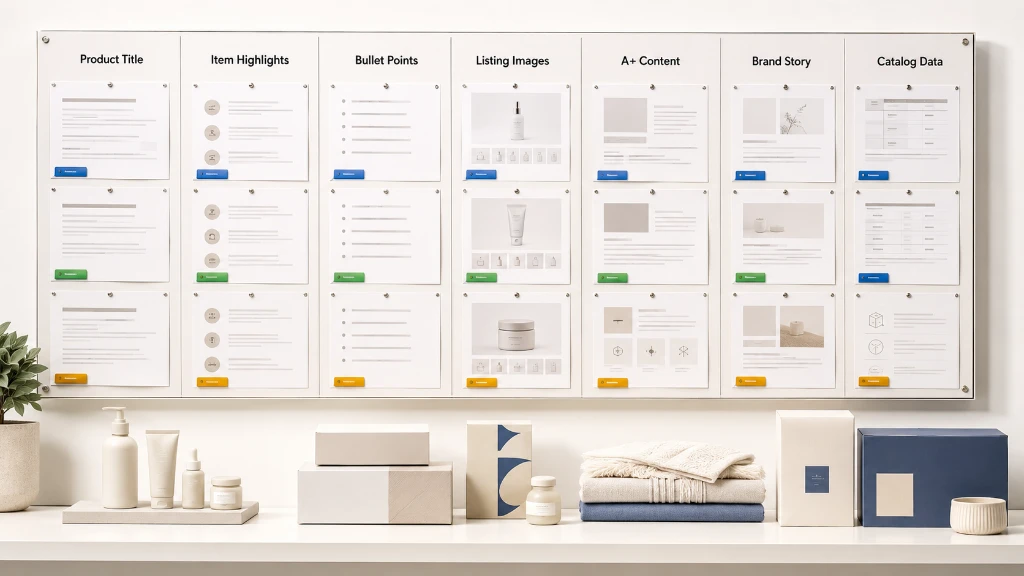
Item Highlights need to preserve useful details. Listing images need to explain features and use cases visually. A+ content needs to support deeper product education. Brand Story needs to build trust. Catalog data needs to stay connected so the team knows which title, image, and A+ asset belongs to which SKU.
That is a lot of room for mistakes.
It should be handled as a content operations workflow.
Quick answer: what is an Amazon listing cleanup workflow?
An Amazon listing cleanup workflow is a structured process for reviewing and improving the content layers of an Amazon listing: product titles, Item Highlights, bullet points, product images, marketplace listing image sets, A+ content, Brand Story, and catalog data. The goal is a listing that is clearer, more consistent, and better aligned with Amazon requirements without losing product context or making unsupported claims. The workflow sequences four stages: shorten and rewrite titles to 75 characters, move overflow details into the 125-character Item Highlights field, update listing images so features and use cases are shown visually, then refresh A+ content so the product story still holds together once the title carries less information. Because Amazon's July 27, 2026 deadline applies only to titles and Item Highlights, those two stages should be finished first, while images and A+ content can follow afterward without penalty. A full handoff preserves SKU, ASIN, listing ID, and product ID alongside original and rewritten values so nothing gets disconnected from its listing during review.
Why Amazon listing cleanup matters now
Amazon’s 75-character title update is the obvious trigger.
Starting July 27, 2026, the Amazon 75-character title limit goes into effect for most categories. Product titles in most non-media categories need to be 75 characters or fewer, including spaces. Item Highlights provide 125 searchable characters for materials, recommended use cases, and comparison details.
That change affects more than the title field.
When a long title becomes shorter, sellers have to decide where the removed information should go.
Some details move into Item Highlights. Sellers should understand the distinct jobs of each field by reviewing the Amazon title vs Item Highlights guide.
Some belong in bullet points.
Some should appear visually in listing images.
Some deserve more space in A+ content.
Some should be removed or reviewed because they are repetitive, promotional, unsupported, or risky.
The title update is a chance to clean up the whole listing system.
The listing is a content stack
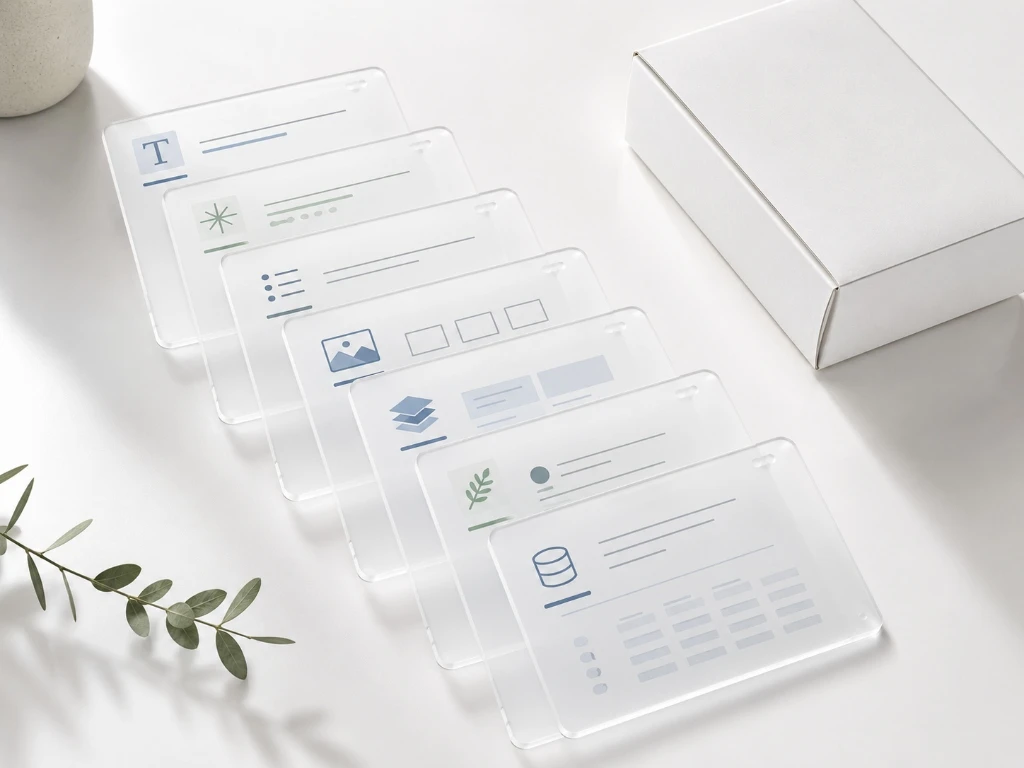
A strong Amazon listing has multiple layers.
Each layer has a job.
| Listing layer | Primary job | What it should not do |
|---|---|---|
| Product title | Identify the product clearly | Carry every keyword and benefit |
| Item Highlights | Preserve compact supporting detail | Become bullet points or backend keywords |
| Bullet points | Explain core features and benefits | Repeat the title blindly |
| Main image | Show the product clearly | Add clutter or unsupported claims |
| Secondary images | Explain use cases, dimensions, benefits, comparison | Hide important claims in unreadable text |
| A+ content | Tell deeper product and brand story | Repeat the entire listing page |
| Brand Story | Build brand trust | Make unsupported brand claims |
| Catalog data | Preserve SKU, ASIN, product ID, and source truth | Become disconnected from creative assets |
When one layer changes, the others may need adjustment.
That is why title cleanup should lead to listing cleanup.
Step 1: Start with the source catalog data
Before changing titles, images, or A+ content, start from the source listing data.
For title compliance work, sellers often begin with the Amazon Seller Central TXT export.
Basic path:
- Log in to Amazon Seller Central.
- Go to Reports.
- Open Inventory Reports.
- Choose Active Listings, All Listings, Open Listings, or Category Listings Report.
- Click Request Report.
- Wait until the report status becomes Ready.
- Click Download.
- Use the downloaded
.txtfile for your listing cleanup workflow.
This source file helps preserve listing context:
- item-name
- item-description
- SKU
- ASIN
- listing ID
- product ID
- price
- quantity
- fulfillment channel
- other original Amazon columns
Do not copy titles into a blank sheet and lose row context.
Listing cleanup starts with keeping the listing identity intact.
Step 2: Audit titles first
Titles are the highest-priority cleanup item because of the 75-character update.
Segment titles by current length.
| Current title length | Cleanup action |
|---|---|
| 150+ characters | Major rewrite and allocation |
| 101–150 characters | Rewrite title and move details into Item Highlights |
| 76–100 characters | Compress and review |
| 75 or fewer characters | Review for clarity and Item Highlights |
| Missing or weak title | Special review using description and product data |
Do not only process over-limit titles. Prioritize your over-limit listings to plan a comprehensive Amazon catalog cleanup strategy.
A short title can still be unclear.
Example:
Weak short title: Handmade Soap Bar, 100g
Better title: SOULBAR Mystic Musk Soap with Red Clay & Goat Milk, 100g
The second title is still compact, but it preserves brand, variant, product type, ingredients, and size.
Step 3: Create Item Highlights from useful title overflow
Item Highlights should carry compact supporting detail.
They are useful when the old long title includes information that should not stay in the shorter title but should not disappear.
Good Item Highlights candidates include:
- materials
- ingredients
- use cases
- benefits
- compatibility
- fragrance
- audience
- size or quantity if not in title
- secondary differentiators
Example:
Title: Soulbar Royal Musk Car Perfume Spray, 80 ml
Item Highlights: hanging card, long-lasting freshener, 700+ sprays
The title identifies the product. The highlights preserve supporting detail.
Item Highlights review checklist
- 125 characters or fewer.
- Source-supported.
- Readable.
- Not written like full bullet points.
- Not keyword stuffed.
- Not repeating the title unnecessarily.
- Sensitive claims reviewed.
Step 4: Review bullet points after title and highlights
Once the title and Item Highlights are shorter and cleaner, bullet points may need review too.
Why?
Because many old bullet points were written assuming the title was overloaded. If the title now carries less information, bullet points may need to explain some details more clearly.
Review bullet points for:
- feature accuracy
- benefit clarity
- repeated title wording
- unsupported claims
- outdated specifications
- claims that moved out of the title
- missing use case context
- poor readability
Bullet points should explain.
They should not simply repeat the title and Item Highlights.
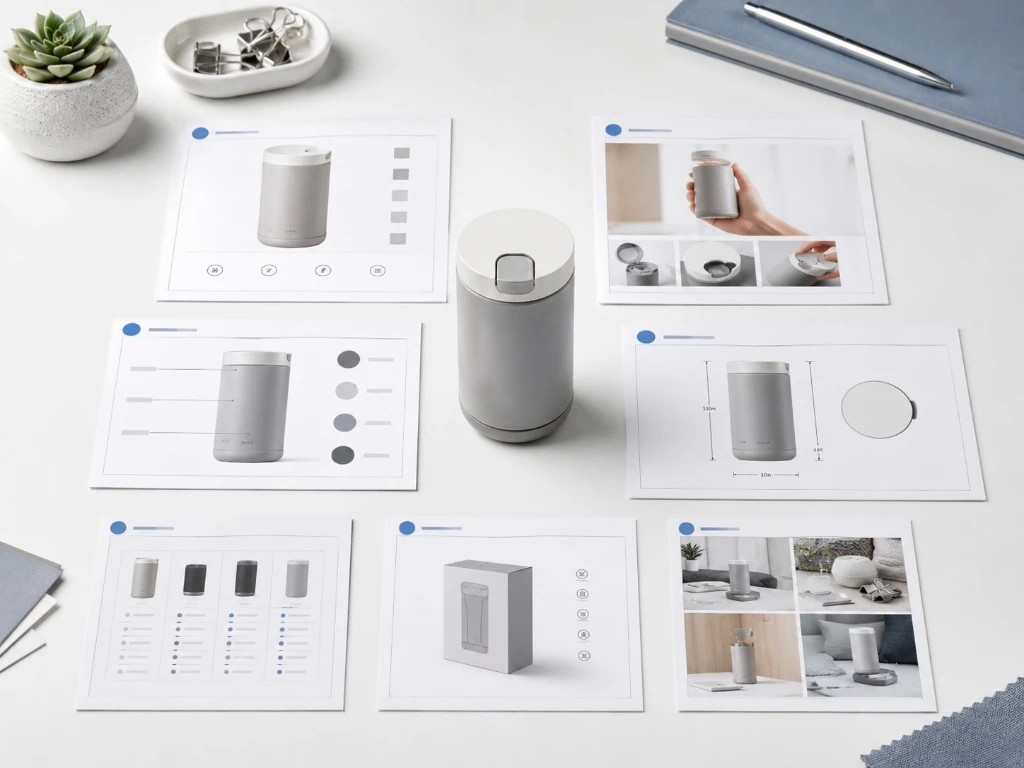
Step 5: Audit listing images
Images often carry more conversion weight than sellers admit.
If the title becomes shorter, images may need to explain more visually.
Review your image set for:
- clean main image
- product-in-use image
- feature/benefit image
- dimensions or size image
- ingredient/material image
- comparison image
- packaging image
- lifestyle or use-case image
- trust/safety information where appropriate
The goal is not to cram more text into images.
The goal is to make the product easier to understand.
Image cleanup checklist
- Main image is clean and product-focused.
- Supporting images explain use cases.
- Text on images is readable.
- Claims on images are source-supported.
- Dimensions or quantity are clear where relevant.
- Visual style is consistent across variants.
- Images do not contradict title or Item Highlights.
- Marketplace requirements are reviewed before upload.
Step 6: Review marketplace listing image sets
For sellers operating across marketplaces, image requirements can vary.
Amazon, Flipkart, Walmart, Lazada, Shopee, TikTok Shop, Etsy, and eBay do not all behave the same way. A listing cleanup workflow should consider whether the product image set is platform-specific or reused across channels. For other marketplaces, sellers can customize their assets to support standard marketplace seller workflows.
For Amazon cleanup, focus on:
- clear product hero image
- story-led supporting images
- comparison or feature images
- lifestyle images
- packaging and scale
- claim-safe image copy
- consistency across product variants
If your titles are becoming cleaner, your image set may need to carry more product education.
Step 7: Review Amazon A+ content
A+ content is where sellers can tell a deeper story.
Once titles and Item Highlights are cleaned up, A+ content should be reviewed for alignment.
Ask:
- Does A+ content explain the product clearly?
- Does it support the title and Item Highlights?
- Does it use consistent product naming?
- Does it explain ingredients, materials, or use cases?
- Does it include outdated claims?
- Does it match current packaging and product data?
- Does it support comparison between variants?
- Does it reinforce brand trust?
A+ content should not merely repeat bullet points. It should expand the product story.

Step 8: Review Brand Story
For D2C brands and brand owners, Brand Story can matter.
Review whether Brand Story:
- matches current brand positioning
- explains why the brand exists
- supports product trust
- connects to the product category
- avoids vague claims
- uses current product visuals
- stays consistent with the rest of the listing
For D2C brands, this is a key part of building cohesive D2C founder content workflows that establish trust.
Step 9: Check claims across all listing layers
Claims can appear in many places:
- title
- Item Highlights
- bullet points
- images
- A+ modules
- Brand Story
- product description
A claim removed from the title may still exist in an image or A+ module.
Review claims across the whole listing.
Pay attention to:
- medical claims
- health claims
- organic claims
- natural claims
- non-toxic claims
- safety claims
- child-safe or pet-safe claims
- compatibility claims
- performance guarantees
- warranty statements
- “best” or “guaranteed” wording
The listing should tell a consistent, supported product story.
Step 10: Create a review-ready handoff
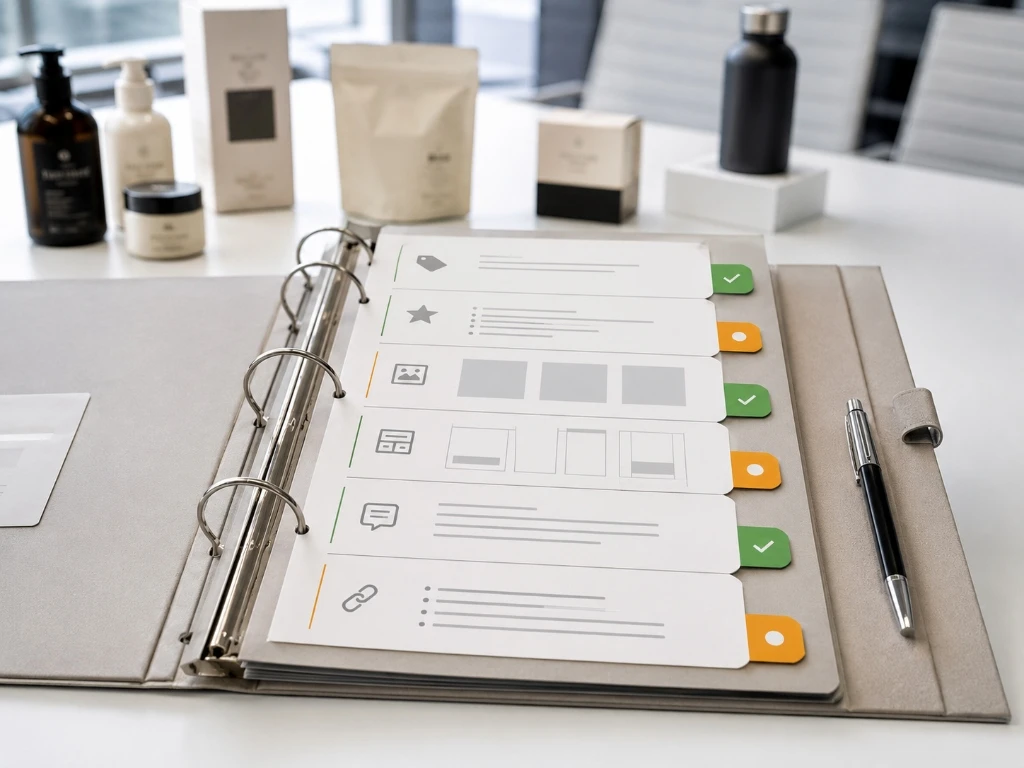
A listing cleanup project should end with a review-ready handoff.
For title and Item Highlights work, the handoff might include:
- original title
- original title length
- new title
- new title length
- Item Highlights
- Item Highlights length
- validation notes
- review status
- SKU
- ASIN
- product ID
- original Amazon columns
For images and A+ content, the handoff might include:
- image set plan
- image filenames
- module storyboard
- claim notes
- approval status
- final asset links
- ZIP download
- upload notes
Review-ready does not mean direct upload.
It means the team has a structured file and asset set to review, approve, and apply through the correct workflow.
How AgenixSocial helps with Amazon listing cleanup
AgenixSocial is a brand-aware, product-aware commerce content workspace for D2C and marketplace brands.
For Amazon listing cleanup, three workflows are especially relevant.
Amazon 75-Character Title Compliance
This Amazon 75-Character Title Compliance workflow helps sellers upload an original Amazon Seller Central TXT export, generate shorter titles and one comma-separated Item Highlights value, review confidence and validation notes, edit or regenerate rows, and export a review-ready XLSX while preserving original Amazon columns.
It is built for the title and Item Highlights cleanup layer.
Marketplace Listing Studio
Marketplace Listing Studio helps brands create marketplace-ready image sets from one product. It supports Amazon and other marketplaces such as Flipkart, Walmart, Lazada, Shopee, TikTok Shop, Etsy, and eBay.
The workflow is useful when sellers need a cleaner product image set after title cleanup.
Amazon A+ Studio
Amazon A+ Studio helps create structured Amazon-style storytelling content for product pages. It supports product selection, module-count controls, content emphasis, and storyboard generation.
This is useful when sellers want the product story to continue beyond title and images.
Together, these workflows help sellers move from “fix my title” to “clean up my Amazon listing as a system.” AgenixSocial is most useful when the job is catalog cleanup, helping teams run unified Amazon seller content workflows.
First 100 products for title compliance are free. After that, it is 1 credit per additional 100 products. You can buy pay-as-you-go credits as needed.
AgenixSocial does not publish title changes to Amazon. It does not promise Amazon will approve every change. Sellers should still review product accuracy, claims, category fit, image requirements, and marketplace rules before applying updates.
Amazon listing cleanup checklist
Use this checklist before applying updates.
Catalog data
- Amazon TXT export downloaded.
- SKU, ASIN, listing ID, and product ID preserved.
- Original title and description visible.
- Products grouped by category.
- Titles segmented by length.
Title
- 75 characters or fewer.
- Brand preserved where useful.
- Product type clear.
- Variant/model included where needed.
- Size or quantity included where important.
- Repetition removed.
- Noisy separators removed.
Item Highlights
- 125 characters or fewer.
- Source-supported.
- Compact and readable.
- Not bullet points.
- Not backend keywords.
- Not repeating the title.
Bullet points
- Feature accuracy checked.
- Benefits clear.
- Claims reviewed.
- Repetition reduced.
- Outdated information removed.
Images
- Main image clean.
- Supporting images explain product clearly.
- Text readable.
- Claims supported.
- Image set consistent across variants.
- Platform requirements reviewed.
A+ content
- Product story updated.
- Module sequence clear.
- Brand story aligned.
- Claims reviewed.
- Visuals match current product and packaging.
- Variant comparison reviewed where relevant.
Handoff
- Review-ready files prepared.
- Final assets organized.
- Approval owner identified.
- Approved values and assets tracked.
- Updates applied through correct workflow.
Common mistakes to avoid
Mistake 1: Cleaning only the title
Shorter titles may create gaps elsewhere. Review Item Highlights, bullet points, images, and A+ content too.
Mistake 2: Moving everything into Item Highlights
Item Highlights are limited and compact. They are not a second description.
Mistake 3: Ignoring images
If titles become shorter, images may need to carry more product explanation.
Mistake 4: Leaving A+ content outdated
Old A+ modules may conflict with new title language, packaging, or product positioning.
Mistake 5: Losing SKU and ASIN context
Listing cleanup is row-level work. Preserve identifiers.
Mistake 6: Assuming review-ready means upload-ready
A review-ready file helps review and mapping. Apply approved updates through the correct Amazon workflow.
Mistake 7: Not reviewing claims across all layers
A claim removed from the title may still appear in images or A+ content.
FAQ
Teams cleaning up visuals as well as titles should use the Amazon listing image generator guide for main images, infographics, lifestyle assets, and A+ content. If cleanup needs to become an ongoing process instead of a one-time pass, compare ecommerce content automation tools and the AI content tool alternatives hub.
What is Amazon listing cleanup?
Amazon listing cleanup is the process of reviewing and improving listing content across titles, Item Highlights, bullet points, images, A+ content, Brand Story, and catalog data.
Why should sellers clean up listings before July 27, 2026?
Amazon’s title update changes how product information is distributed. Sellers should prepare titles, Item Highlights, and supporting content before the deadline.
What should be cleaned up first?
Start with product titles and Item Highlights because they are directly affected by the 75-character title update. Then review bullet points, images, and A+ content.
Do Item Highlights replace bullet points?
No. Item Highlights are compact supporting details. Bullet points still explain features and benefits in more depth.
Should listing images change when titles become shorter?
Sometimes yes. If the title no longer carries certain details, images may need to explain product features, size, use cases, or benefits more clearly.
What is Amazon A+ content cleanup?
A+ content cleanup means reviewing product-page storytelling modules for accuracy, clarity, current product details, brand consistency, and claim safety.
Where do I get the Amazon TXT export?
Go to Seller Central → Reports → Inventory Reports, choose Active Listings, All Listings, Open Listings, or Category Listings Report, request the report, wait until it is ready, and download the original .txt file.
Does AgenixSocial publish changes to Amazon?
No. AgenixSocial creates review-ready outputs. Sellers should apply approved values and assets through the correct Amazon workflow.
Does AgenixSocial promise Amazon approval?
No. AgenixSocial helps with compliance preparation and content workflow. Sellers should review product accuracy, claims, category fit, image requirements, and marketplace rules before applying updates.
Conclusion
Amazon listing cleanup should not stop at the title.
The 75-character title update is the trigger, but the full opportunity is bigger.
Sellers should review titles, Item Highlights, bullet points, images, A+ content, Brand Story, and catalog data as one connected system.
That is how listings become clearer, more consistent, and easier to manage.
AgenixSocial helps sellers run this workflow across multiple content layers. Use Amazon 75-Character Title Compliance for titles and Item Highlights, Marketplace Listing Studio for listing image sets, and Amazon A+ Studio for deeper product storytelling.
First 100 products for title compliance are free. After that, it is 1 credit per additional 100 products.
CTA: Clean up your Amazon listings with AgenixSocial’s Amazon seller content workflows.