Who is Campaigns for?
D2C founders, marketplace teams, and agencies that need a repeatable way to create campaign image sets without rebuilding context across disconnected tools.
Turn Brand DNA, product context, launch goals, and platform formats into reviewable 3, 5, or 7 day campaign image sets for Instagram and Facebook.
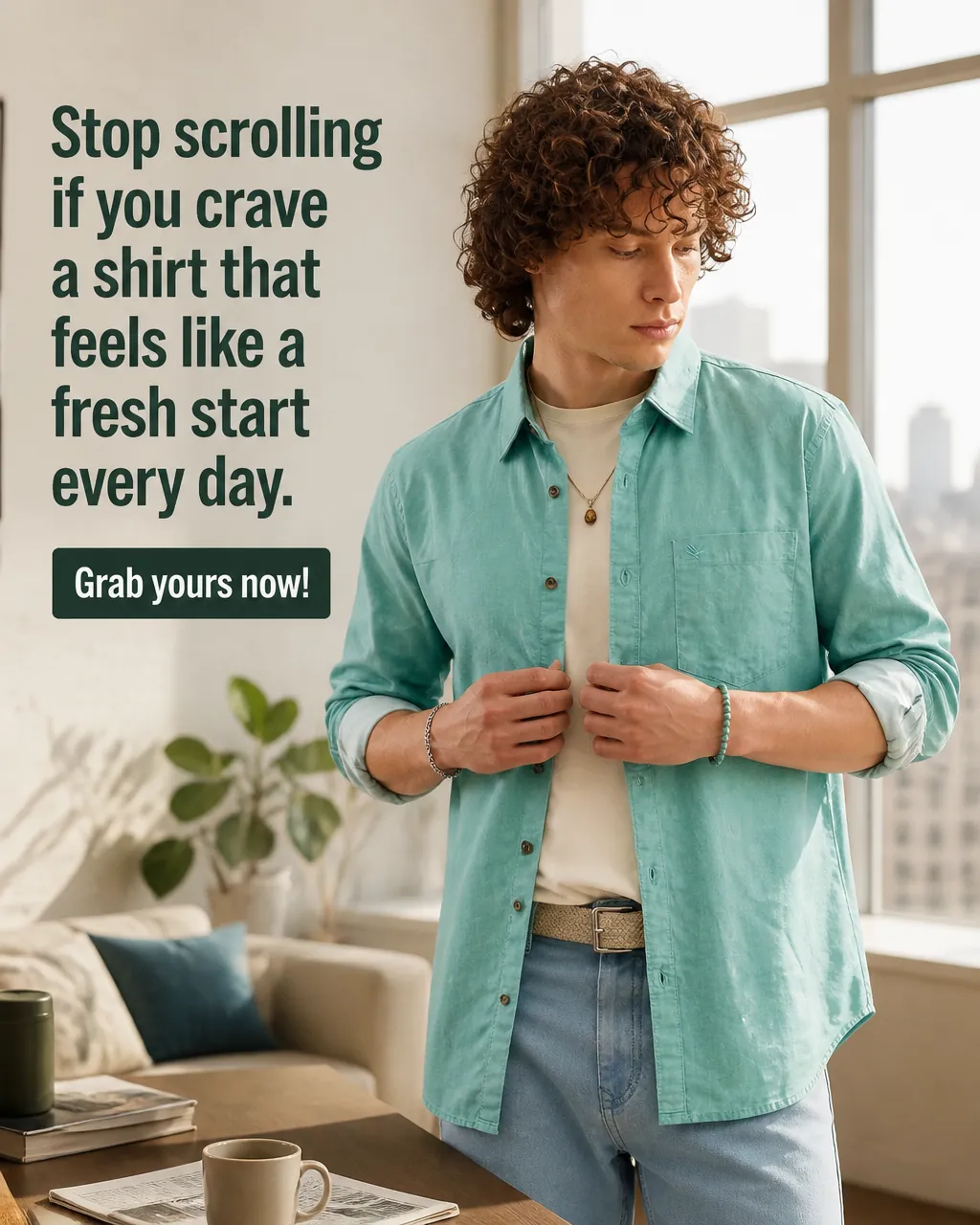
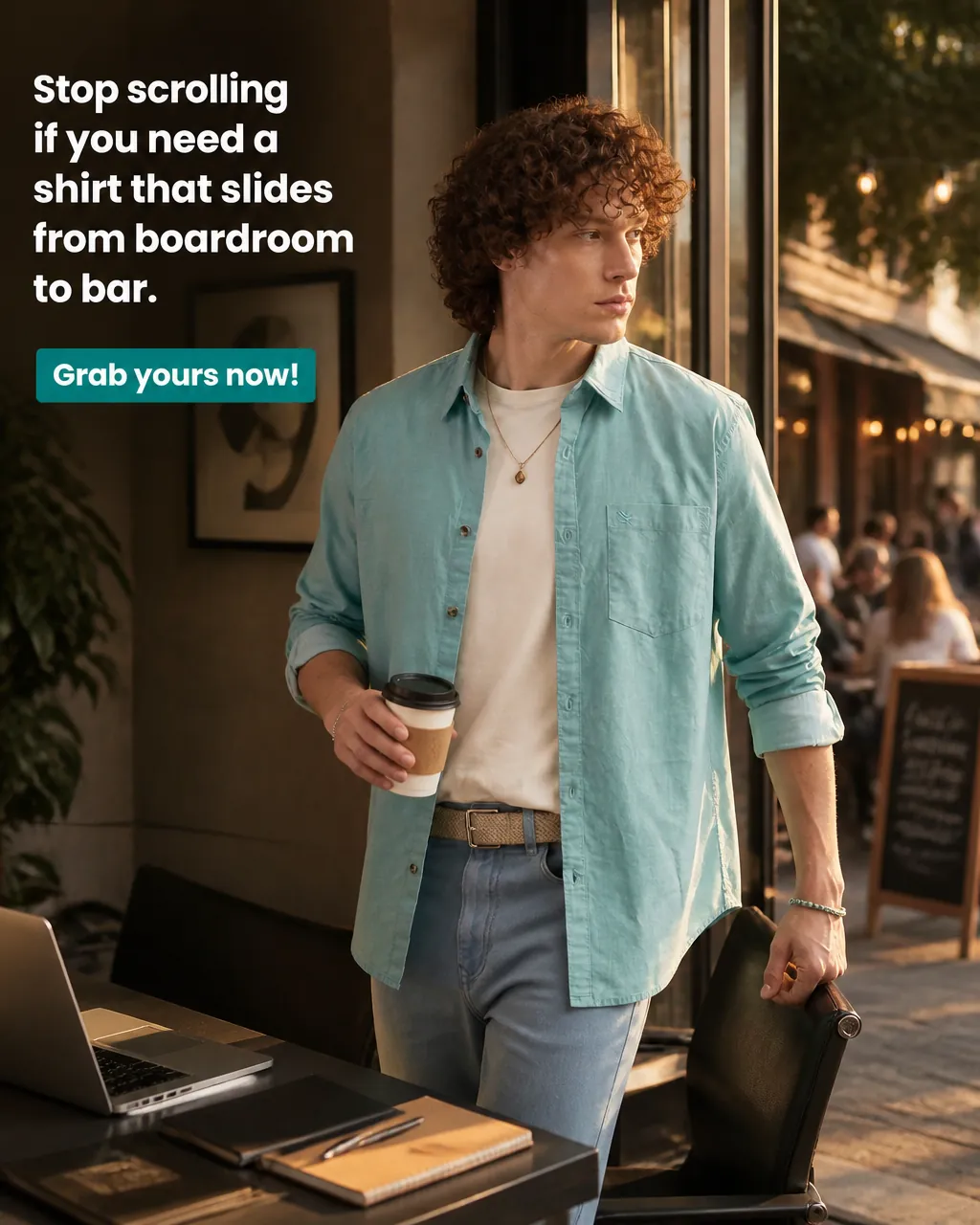
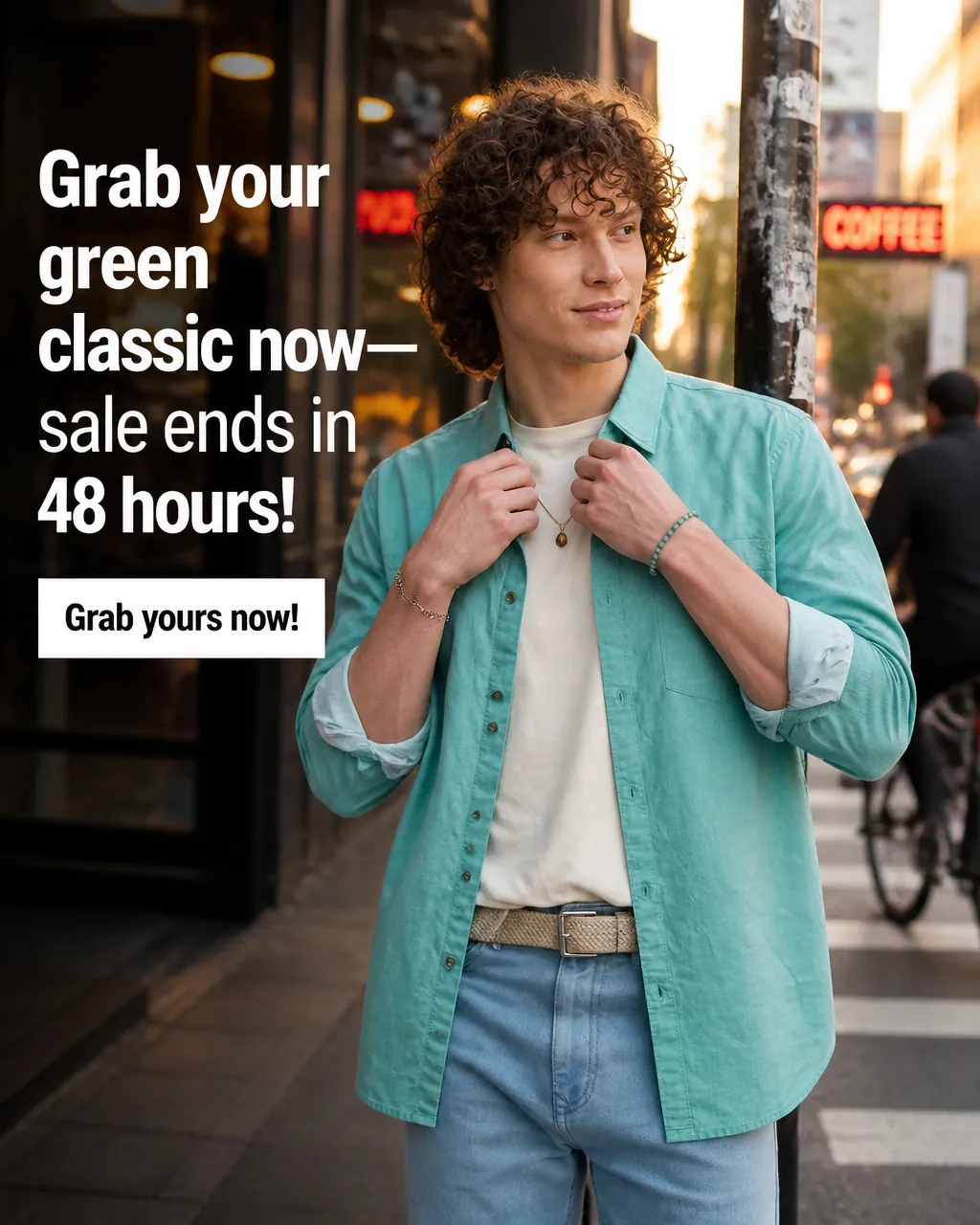
aurabotanics_activeLaunch day is here! 🚀 Ingesting raw SKUs into our sunlit organic templates. Standardizing aesthetic depth across all channels.
AI Generated Copy
Campaign mode is built for teams tired of planning content in one tool and generating visuals in another. The user chooses a product or brand campaign, defines a goal and optional visual theme, selects a 3, 5, or 7 day duration, and picks Instagram or Facebook as the output format. The system pulls from Brand DNA and product context to draft a day-by-day scene plan the user can review and edit before any image generates, then produces a platform-sized image set built on Product Shots visuals, AI Creator Videos, or Founder Studio angles, which can be saved, scheduled, or downloaded. Unlike a scheduler that only publishes, or a generic AI image tool that starts from a blank prompt, Campaigns starts from brand and product context so each day stays visually consistent. Campaign mode currently creates image campaigns only, not video, and final platform approval and ad performance still require human review.
Social media managers and marketing teams coordinating product launches and seasonal events.
Campaign workflow
Most teams do not need another disconnected generator. They need a cleaner way to move from product context and brand direction to a campaign plan, matched visuals, and reviewable assets.
Teams often plan in docs, generate visuals elsewhere, write captions in another tool, and then try to keep the story consistent manually.
Campaigns response
Campaigns keeps goal, product context, scene plan, image direction, and output flow inside one reviewable workspace.
Blank-prompt image tools can create attractive visuals, but they do not automatically understand the SKU, offer, brand voice, or launch story.
Campaigns response
Campaigns starts from Brand DNA, product context, duration, platform, and campaign goal before generation begins.
A scheduling calendar helps with posting, but it does not solve the harder work of planning the campaign story and creating matched visual assets.
Campaigns response
Campaigns creates the planned image set first, then lets the team save, schedule, or download the assets after review.
Timeline storyboards
Review the planned scenes and image roles across the campaign before generation starts.
Introduce the brand story. Focus on ambient botanicals, light tracing, and organic product placement to build intrigue and desire.
Highlight specific benefits and active ingredients. The product is placed on structured concrete blocks to convey scientific grounding.
Prompt purchase with a clean, high-conversion visual matching the brand style guide to drive clicks.
Crop formats
Switch formats to see how the same campaign image can be adapted for different placements.
Platform sizing matters because the same campaign visual may need to work in more than one placement.
Keeps the main product and message visible in both formats.
Helps the campaign stay visually consistent across placements.
Makes it easier to prepare a campaign set without resizing every image manually.
Campaign rules
Campaign planning also helps you catch obvious risky claims and overly aggressive sale language before the images are finalized.
❌ "Buy now for 75% off sale today only!"
❌ "Cures all breakouts in under 24 hours!"
❌ "The absolute best skincare serum on earth."
✅ "Explore our signature botanical skincare bundles."
✅ "Hydrates skin cells and targets blemishes gently."
✅ "Premium ingredients formulated for sensory comfort."
This check helps reduce obvious issues. Final review still depends on the platform and the brand's own approval standards.
Before you switch tools
Campaigns is not meant to replace strategy or brand review. It is meant to reduce the repetitive setup work between the brief, the product, the creative direction, and the final campaign assets.
D2C founders, marketplace teams, and agencies that need a repeatable way to create campaign image sets without rebuilding context across disconnected tools.
The workflow can use Brand DNA, selected product context, campaign goals, visual theme, and platform format before image generation starts.
Final copy, claims, platform suitability, and brand approval should still be reviewed by a person before publishing or running ads.
Product or brand mode
Campaign goal
Brand DNA and product context
Custom visual theme
3, 5, or 7 day duration
Instagram or Facebook output format
Editable campaign plan
3, 5, or 7 generated campaign images
Platform-sized image set for Instagram or Facebook
More consistent story, caption, and visual direction across the campaign
Save, schedule, or download workflow
Questions
Campaigns is designed for ecommerce teams that are tired of planning content in one place, generating assets in another, and manually keeping every post consistent. It brings the campaign brief, brand context, product context, scene plan, and image output into one reviewable workflow.
Product campaigns focus on a selected product. Brand campaigns focus on brand awareness and the brand's guidelines.
A scheduler helps publish content. Campaigns helps plan and create the campaign image set before publishing, using brand and product context so the output is not just a disconnected calendar of posts.
Generic AI image tools usually start from a prompt. Campaigns starts from Brand DNA, product context, campaign goal, visual theme, duration, and platform format, then gives the user a plan to review before images are generated.
No. Campaign mode is image-only.
Yes. The plan is created in text first, and the user can edit scenes before approving generation.
The user can choose 3, 5, or 7 day campaigns.
Campaign output can be sized for Instagram or Facebook.
No. Campaigns helps teams plan and create reviewable campaign assets, but final platform approval, ad performance, and brand compliance still require human review.
AgenixSocial analyzes your website, imports Shopify products where available, and turns brand identity, voice, products, and recommendations into reusable context for every studio.
Product Shots helps commerce teams create product photography alternatives from product context, scene choices, and brand-aware visual direction.
Founder Studio helps brands create founder-led images and videos from founder profiles, uploaded face images, scripts, and optional voice samples for cloned-voice videos.
Connect campaign planning to product visuals, hooks, and creator-style ad concepts.
Compare tools for campaign planning, review, scheduling, and asset reuse.