

Skip to content
Amazon A+ StudioApp Label: A+ Studio

Generate Amazon A+ storyboards and visual modules.

A+ Studio creates editable storyboards and large-format Amazon A+ visuals for Standard A+, Enhanced A+, and Brand Story use cases. Choose the A+ format, review the storyboard first, then generate the large-format images you want to upload later in Amazon Seller Central.

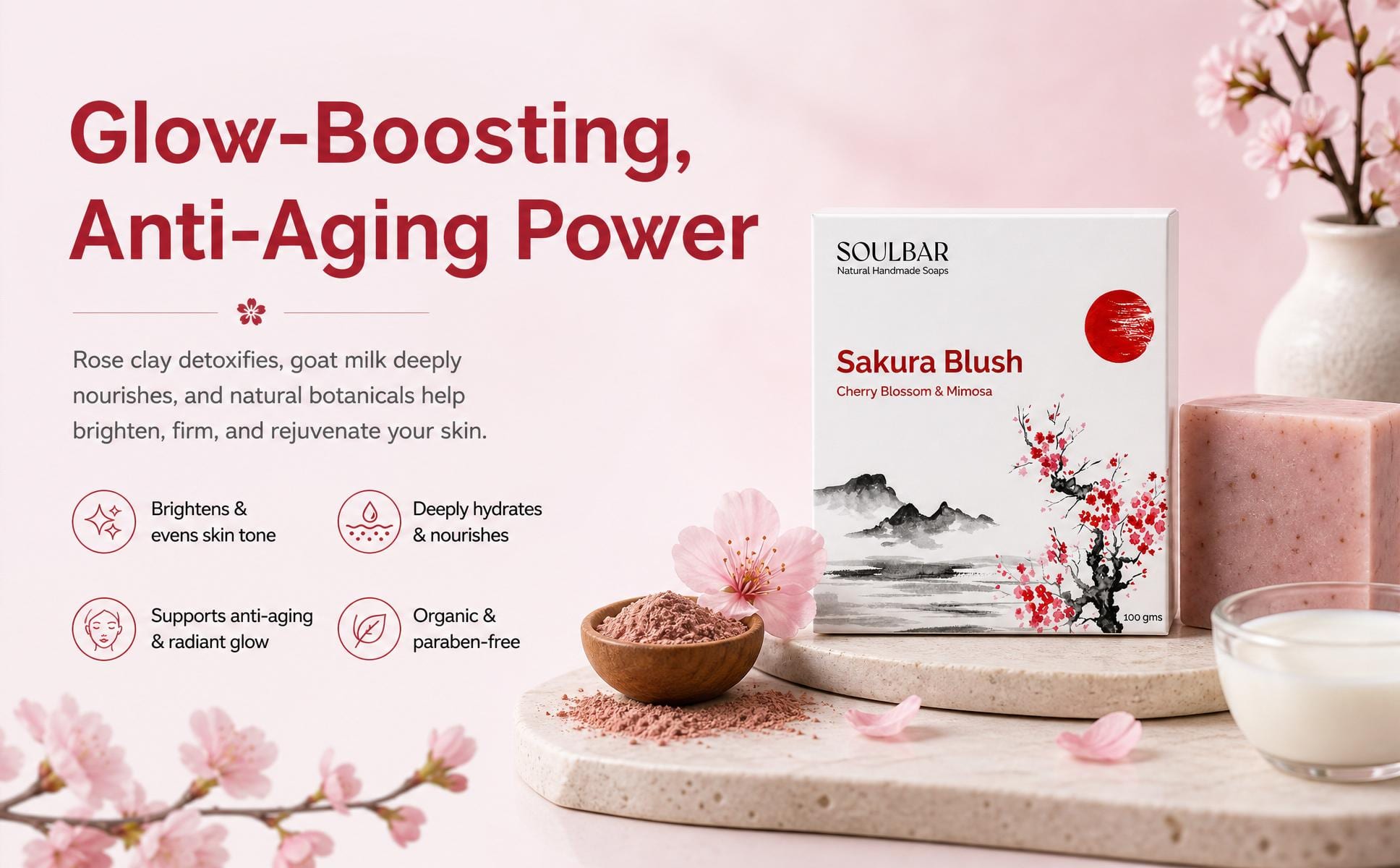
Horizontal A+ Header
Header module (1464px)
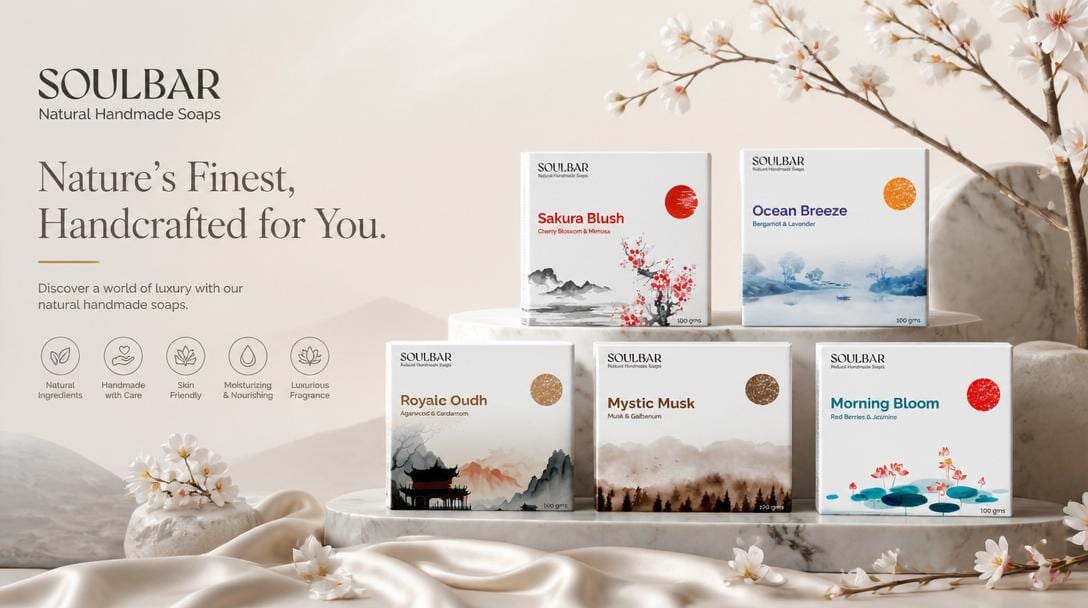
Horizontal A+ Comparison
Comparison Grid (1464px)
Horizontal A+ Spotlight
Spotlight module (1464px)

Quick answer

Amazon A+ Studio helps Brand Registry eligible sellers choose an A+ mode, Standard with up to 5 modules, Enhanced with up to 7 modules, or Brand Story, and plan a module sequence before generating large-format visuals. The user selects a product and layout mode, picks a policy direction between a stricter policy-safe approach and a more practical visual-storytelling approach, and edits the storyboard outline before generating. Output builds on context from Brand DNA and imagery from Product Shots, and finished modules download as a high-resolution, organized ZIP pack that can also be shared into Marketplace Listing Studio. Modules must be uploaded manually to Amazon Seller Central; A+ Studio does not upload them directly. Final approval still depends on Amazon's policies and the seller account's A+ eligibility, so sellers should confirm Brand Registry and A+ access in Seller Central before planning a storyboard.

Who it is for

Amazon Brand Registry eligible sellers looking to improve detail page conversion and visual storytelling.

What you provide

  • Product context
  • A+ Content mode (Standard A+, Enhanced A+, or Brand Story)
  • Policy direction selection (Strict vs Practical)
  • Brand story or module direction

What AgenixSocial creates

  • Amazon-ready high-resolution module images
  • Detailed visual storyboard layout
  • Organized ZIP download pack

Current limits and review notes

  • A+ Studio creates Amazon A+ storyboards and visual modules, but final approval depends on Amazon policies and seller account eligibility.
  • Requires the seller to have access to the relevant Amazon A+ capability in Seller Central.
  • Module graphics must be uploaded manually to Amazon Seller Central.
  • Details on credit usage are available on Pricing.

Suggested next steps

  • Confirm your seller account's A+ eligibility
  • Select your layout mode and outline your storyboard module plan
  • Generate modules under the policy direction and download the ZIP pack. Check FAQ for compliance rules.
  • Best suited for Amazon sellers.

Layout selector

Standard, Enhanced & Brand Story Formats

Compare the three Amazon A+ formats before deciding how much visual storytelling the listing needs.

enhanced A+ Format

Up to 7 modules in the enhanced A+ layout.

Best for larger storytelling sections and a richer module sequence.

Useful when the product needs more visual explanation across the detail page.

amazon.com/dp/enhanced-layout-blueprint
Dimension Spec blueprint

Enhanced A+ layout

The storyboard is planned as a sequence of large-format modules before generation.

Policy mode

Strict Policy Guard vs Practical Storytelling

Choose whether the storyboard should lean more conservative or more expressive before final generation.

Nuanced compliance filtering.

A+ Studio checks for forbidden keywords before generating large-format modules.

01
Claims Flagging

Automatically detects comparative superlatives (e.g. “#1,” “best”) and money-back guarantee links.

02
Visual Safety Boundaries

Practical mode optimizes for visual stories, while strict mode trims out text overlays that might trigger manual reviewer rejection flags.

Violation Scanner SimulationStrict Policy Guard Mode

Rejected Claim Flagged

“The absolute #1 anti-aging lotion available today!”

Reason: Comparative claim lacks clinical verification proof or references.

Strict mode auto-rephrase

“Deep hydration botanical lotion targeting fine lines.”

Strict mode can help reduce obvious issues, but it does not guarantee final Amazon approval.

Storyboard Planner

Structure the module sequence before generation.

Plan the module order first so the final A+ set tells a clear product or brand story.

Module 1: Premium Header Banner
Mockup: Premium Header Banner

Module Role

1464px full-bleed widescreen banner showcasing botanical shelf aesthetics.

Render Directive

Widescreen environmental shelf styling, dropper bottle next to fresh leaves, morning sunlight.

Dynamic template
Module 2: Comparison Matrix
Mockup: Comparison Matrix

Module Role

Premium comparison grid contrasting sizes, tone profiles, and botanical properties.

Render Directive

3 bottles side by side on concrete plinth, premium specs table overlay.

Dynamic template
Module 3: Feature Spotlight
Mockup: Feature Spotlight

Module Role

Highlighting ingredient details with concrete columns and sun-draped blocks.

Render Directive

Close up of glass bottle on concrete blocks, shadow tracings, soft amber light.

Dynamic template
Module 4: Product Zoom-In
Mockup: Product Zoom-In

Module Role

Large-format detail panel showcasing serum fluid texture transparency.

Render Directive

Macro fluid textures, serum drops reflecting clean light on slate tile.

Dynamic template

Compiles 4 modules for the enhanced format

Coordinated Module Set

Coordinated A+ Output Gallery

Save the generated A+ set to the Media Library or download it as a ZIP for later upload.

Header Module: Luxury Natural Aesthetics

Module 01

Luxury Natural Aesthetics

enhanced
Compiled
Comparison Grid: Premium Cleansing Set

Module 02

Premium Cleansing Set

enhanced
Compiled
Feature Spotlight: Mineral Botanical Pedestal

Module 03

Mineral Botanical Pedestal

enhanced
Compiled
Product Detail: Active Botanical Serum

Module 04

Active Botanical Serum

enhanced
Compiled
Compliance disclaimerAmazon A+ Content Studio dramatically reduces the design and layout drafting effort. However, generated image sets must be uploaded manually to Amazon Seller Central by the user and remain subject to Amazon's manual catalog review policies.

Architecture Connection

Built on the AgenixSocial Core Stack

Amazon A+ Studio builds from your product context and brand context inside AgenixSocial.

Built from brand and product context.

Brand DNA helps with identity and voice, while product context helps shape the final A+ modules. The result can then be saved or downloaded for Amazon upload.

DNA
Brand DNA Profile

Provides brand voice, identity, and visual direction.

CAT
Product Context

Provides the product details used to plan the A+ module sequence.

APL
Amazon A+ Content Studio

Generates the A+ image set that can later be uploaded in Seller Central.

Buyer Questions

Amazon A+ Content FAQ

Get answers to common questions about A+ modes, storyboards, and upload workflow.

Is Amazon A+ Studio only for Amazon?+
Yes. This workflow is designed specifically for Amazon A+ content.
What is the difference between Standard, Enhanced, and Brand Story?+
Standard supports up to 5 modules. Enhanced supports up to 7 modules. Brand Story is used for Amazon's brand-story format.
What does Policy Mode do?+
Policy direction helps you choose between a stricter, safer approach and a more practical visual-storytelling approach before generation.
Can I edit the storyboard before generating graphics?+
Yes. The storyboard is created first, and you can change modules or scenes before generating the final images.
Does AgenixSocial upload the modules directly?+
No. The generated modules can be saved or downloaded, then uploaded later in Amazon Seller Central.

A+ planning workflow

Plan Amazon A+ as a module story before generating visuals.

Amazon A+ Studio should focus on planning, storyboard clarity, module structure, and reviewable visual output.

Workflow friction

A+ planning is confusing

Sellers have to think through large-format modules, brand story layout, product proof, and policy-safe language.

AgenixSocial fit

A+ Studio lets users choose Standard, Enhanced, or Brand Story mode and review the module storyboard before generation.

Workflow friction

Vague rejections create anxiety

Sellers can face unclear rejection reasons, blurry previews, or language and moderation issues after upload.

AgenixSocial fit

The workflow can highlight safer direction, but final Amazon review and approval remain outside AgenixSocial.

Workflow friction

Large-format content needs consistency

A+ modules can look disconnected when each image is created without a unified brand and product story.

AgenixSocial fit

Brand DNA and product context help keep the module set visually and narratively aligned.

Does A+ Studio upload directly to Amazon?

No. It prepares reviewable module assets that can be downloaded and uploaded in Seller Central.

Does it guarantee Amazon approval?

No. It supports planning and safer content direction, but Amazon approval is still manual and platform-controlled.

Why use a storyboard first?

A storyboard helps sellers check the module sequence, product proof, and brand story before generating final visuals.