Quick answer
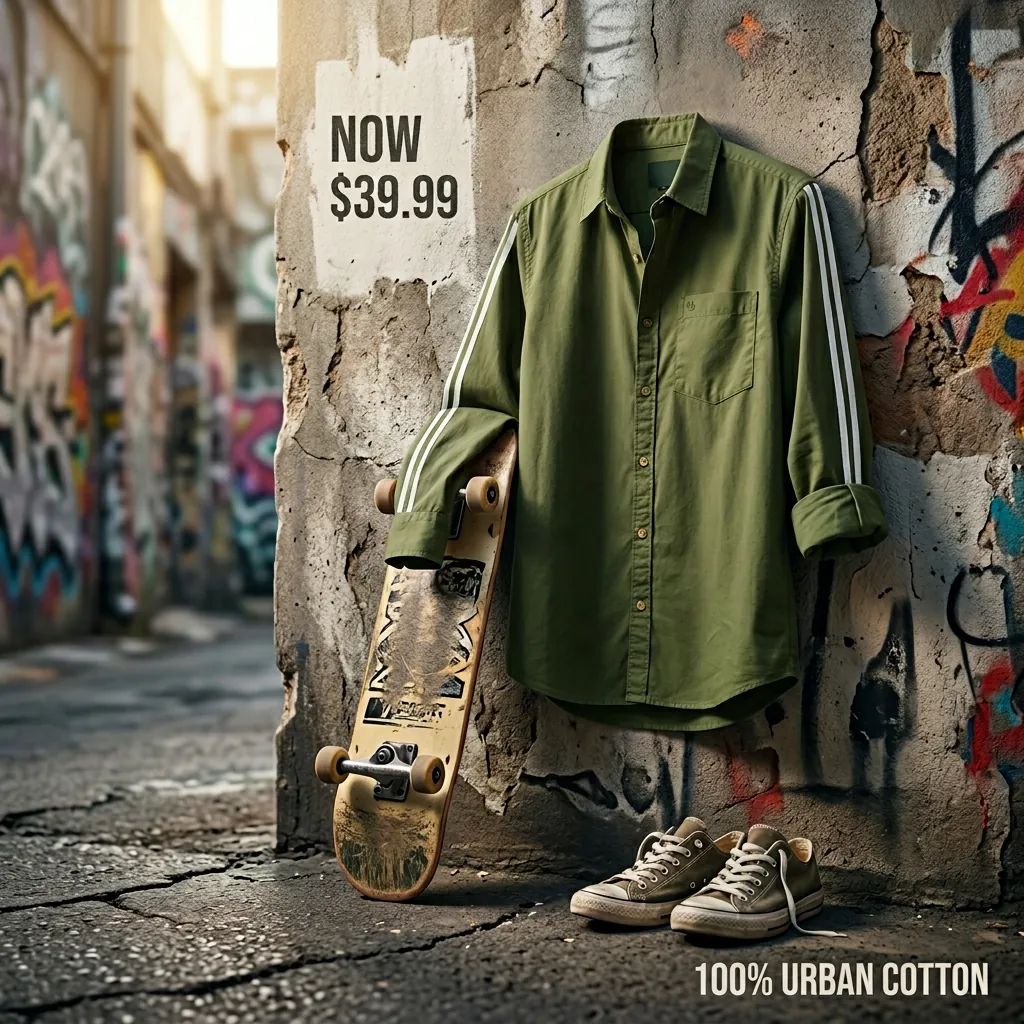
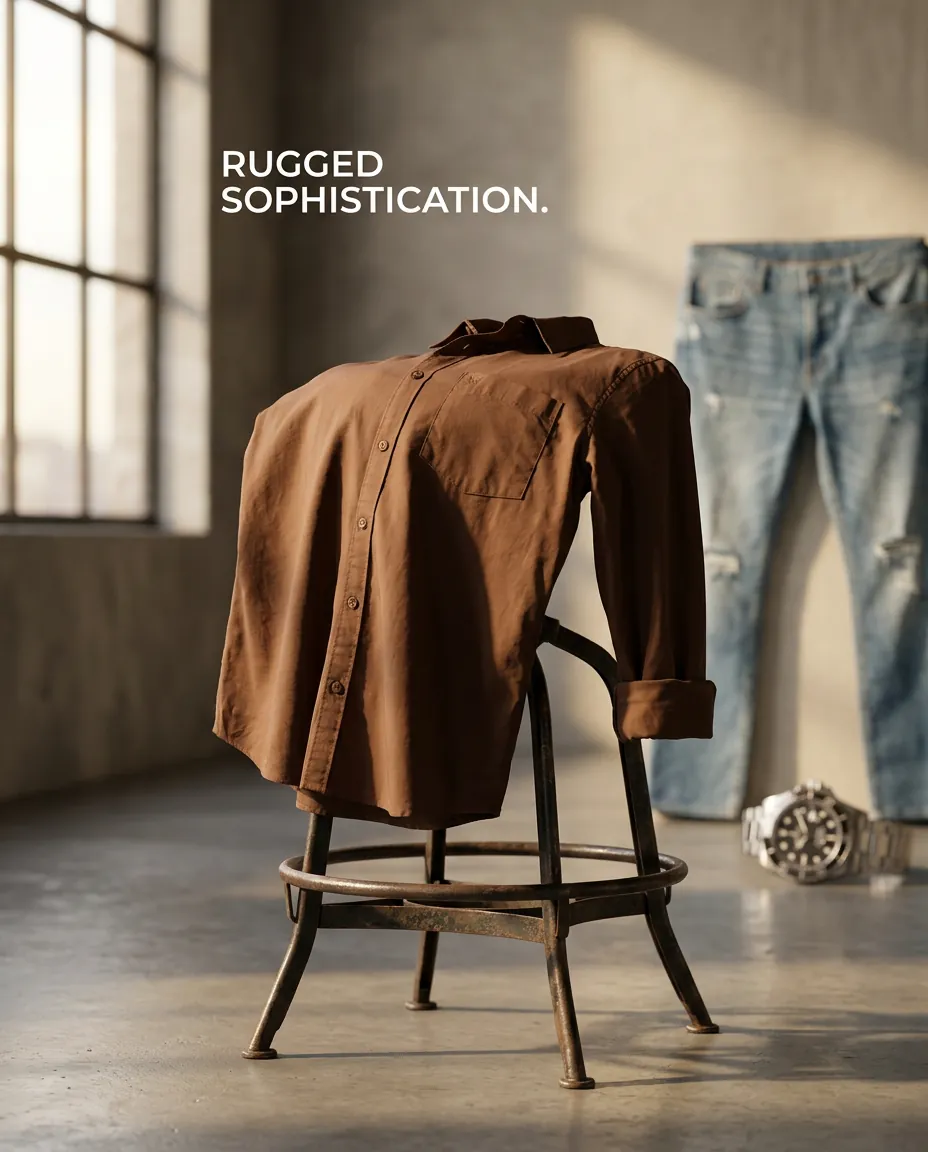
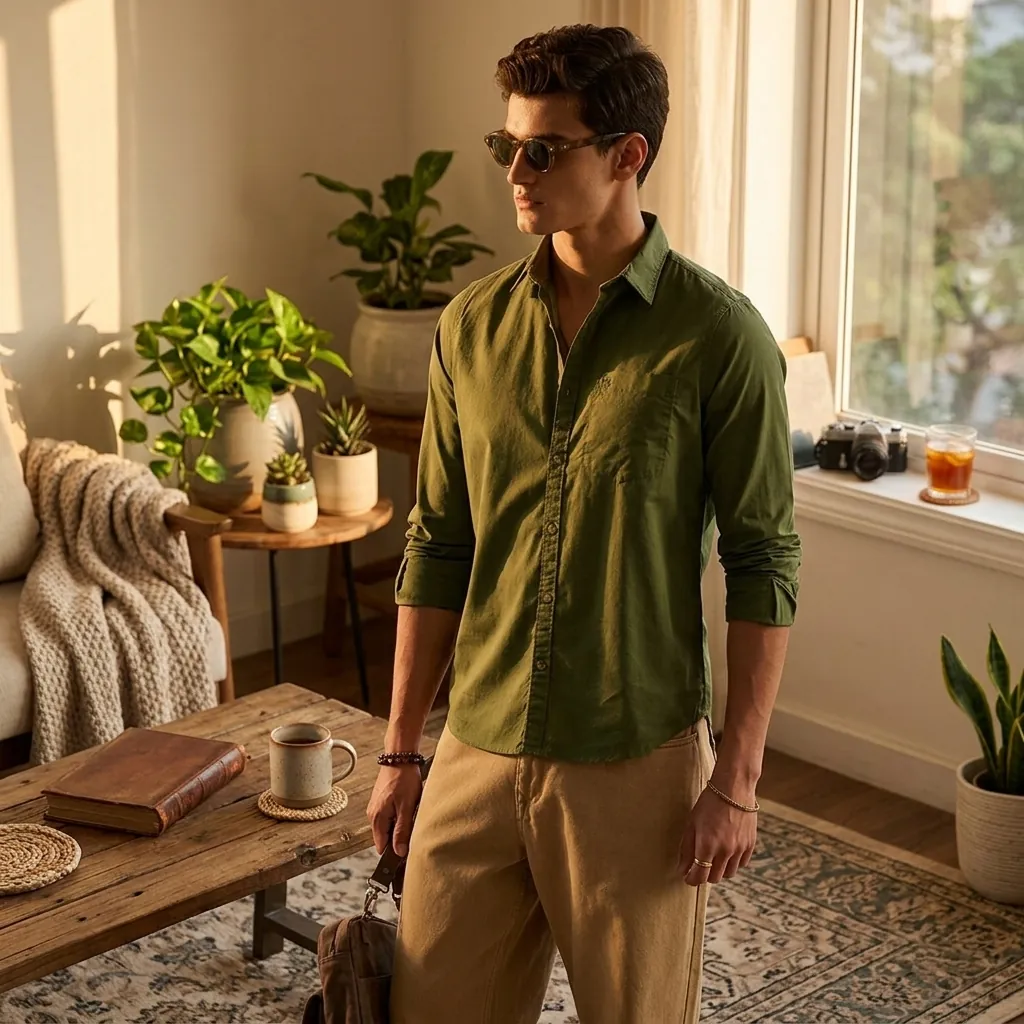
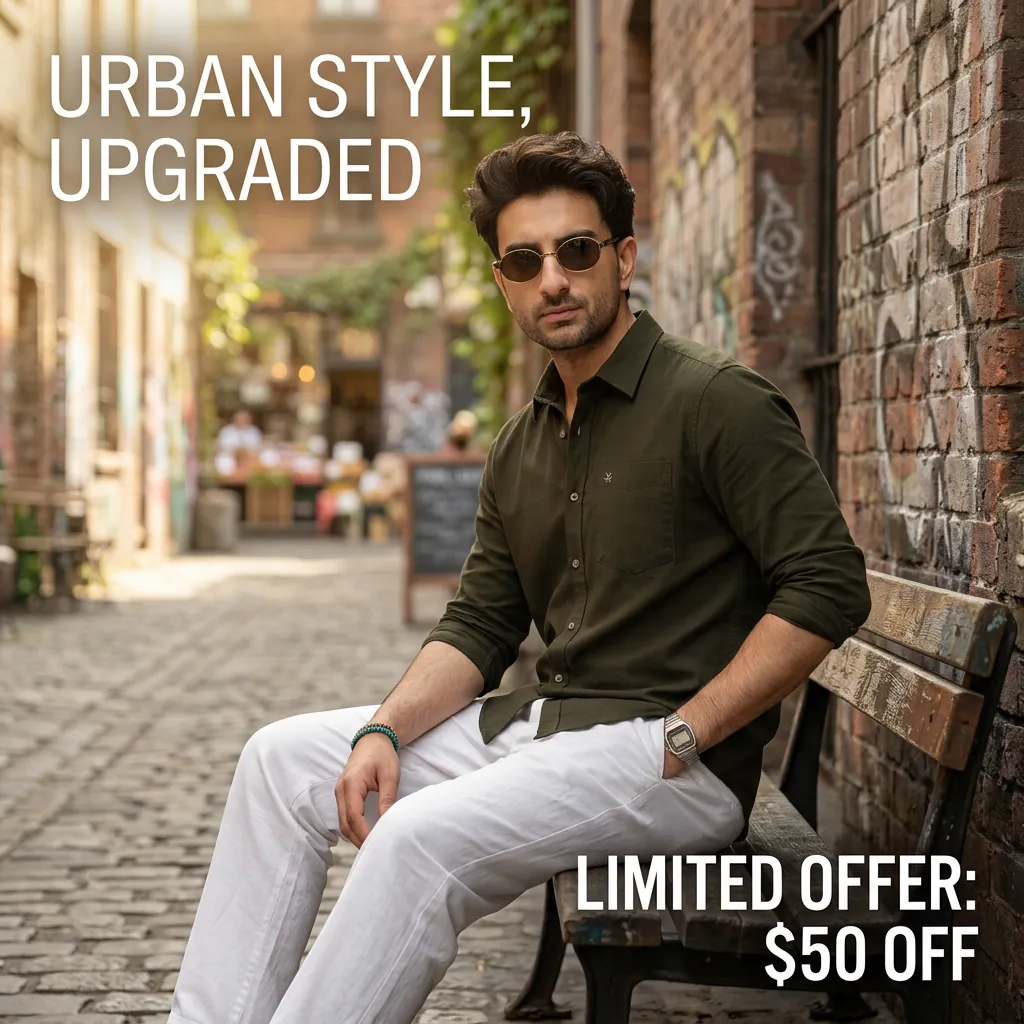
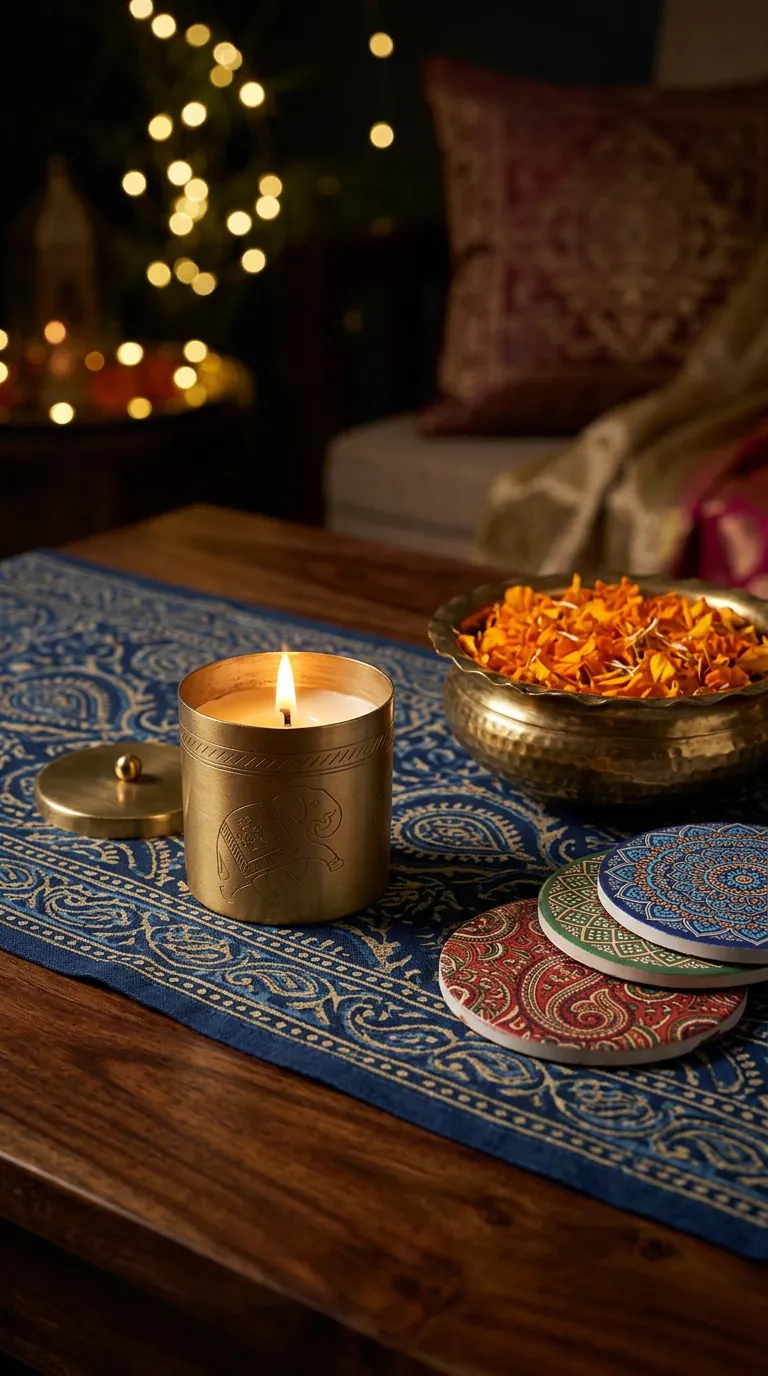
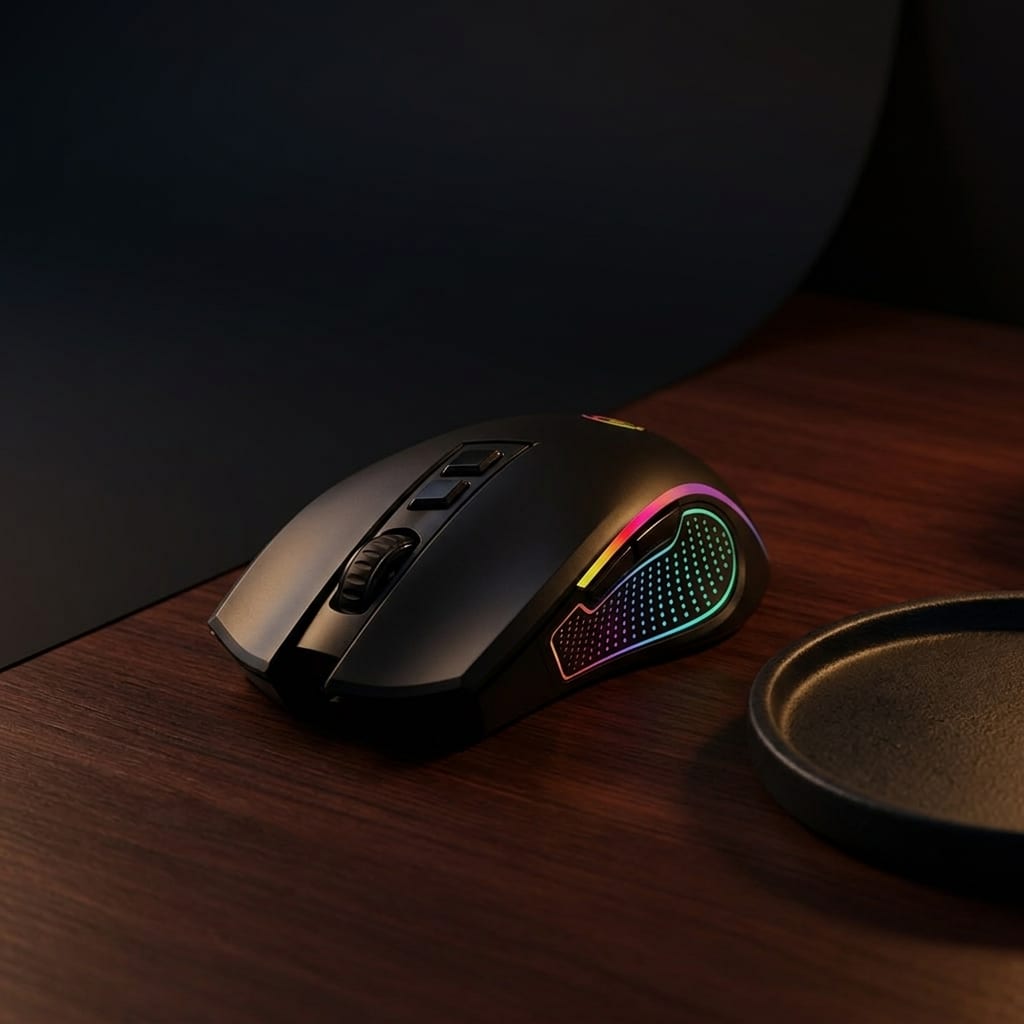
Product Shots turns a selected product, plus context, into generated visuals that match the brand's aesthetic instead of dropping the product onto random stock-style backgrounds. The user selects a product, chooses a scene type such as studio, lifestyle, flat lay, product-in-use, macro, or environmental, decides whether the image needs text overlay, and sets how many content pieces to generate. Rather than a prompt builder, it works as a studio replacement flow where the shot type drives the output. Results are downloadable, high-resolution image assets suited to storefronts, social feeds, ads, and marketplace listings, and can feed directly into and workflows or be planned across a multi-day sequence in . Product Shots reduces the need for many physical shoots, but brand teams should still review generated images for accuracy, packaging, claims, and platform requirements before publishing, particularly for marketplace and ad placements.