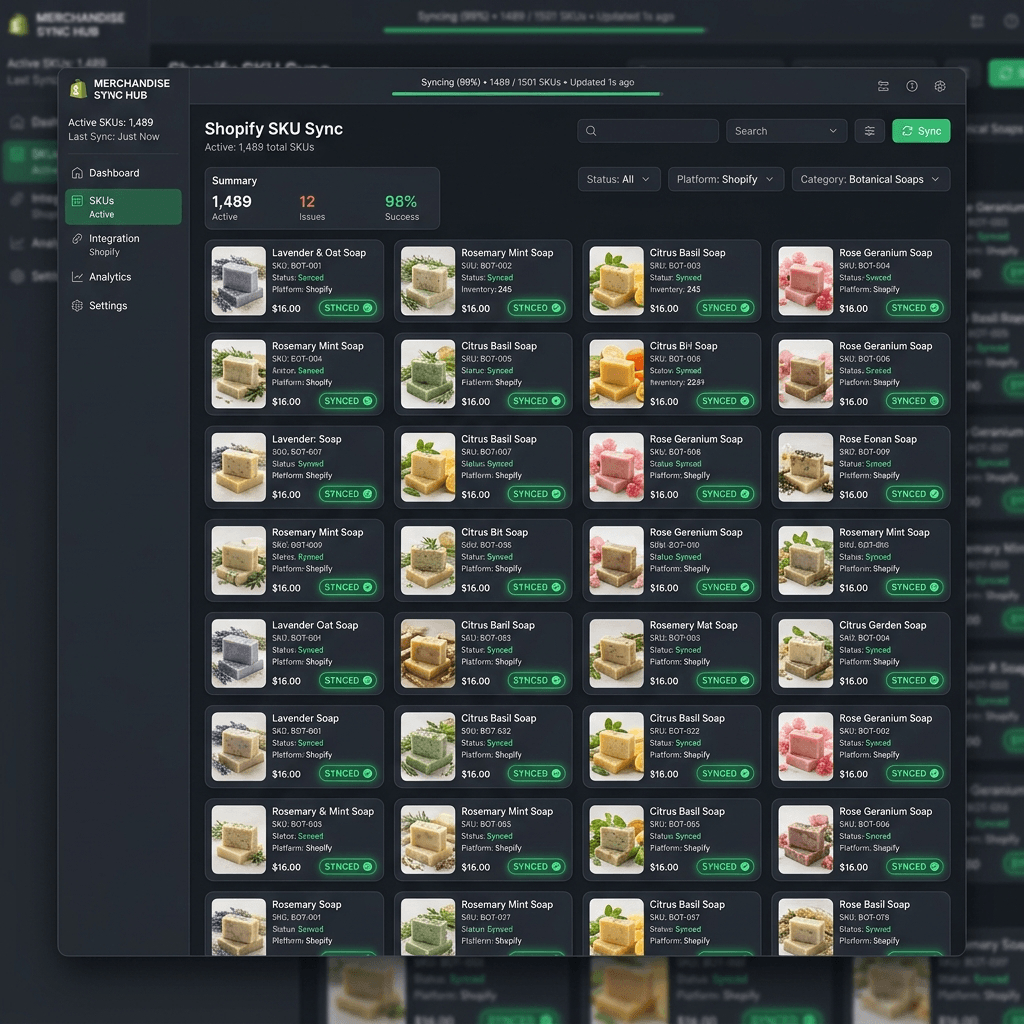
How to Sync Your Shopify Product Catalog to AI Generation Engines in 1-Click
You connect your Shopify store to an AI image generator by inputting your storefront domain into a unified workspace (like AgenixSocial) to trigger an automated public catalog sync in under 30 seconds.
If you manage an e-commerce catalog with dozens or hundreds of active stock keeping units (SKUs), you know how painful visual production is.
Traditional workflows are manual:
- You export a product image from your store directory.
- You crop the product, isolate the background, and save it as a high-res PNG.
- You upload the PNG into a generic design tool or AI generator.
- You repeat this process for every new packaging update, flavor, or color variation.
This manual process is highly error-prone and incredibly slow. If you update your product label, you have to run through the entire manual cycle again.
Modern generative AI has solved this through automated Shopify catalog API sync feeds, connecting your live storefront directly to your creative design workspace in one click.
How do I connect my Shopify store to an AI image generator in one click?
You connect your Shopify store to an AI image generator by inputting your storefront domain into a unified workspace (like AgenixSocial) to trigger an automated public catalog sync in under 30 seconds. With this fundamental reality in mind, we can dissect the strategic blueprints required to implement this successfully.
Once the storefront sync is initialized, the connection automates your entire design production workflow through three integrated layers:
[ Active Shopify Storefront ] ──► Automated Catalog Sync ──► [ Brand DNA Vault ]
                                                                  │
                                 ┌────────────────────────────────┤
                                 ▼ (Visual Core)                  ▼ (Voice Core)
                       [ AI Product Photoshoots ]       [ Copy & UGC Script Scripts ]
1. Automated Visual Asset Extraction
Our engine crawls your storefront and extracts your primary product photos. It automatically removes existing white backgrounds, isolates your physical product base, and indexes your inventory coordinates. This creates a clean silhouette ready to act as a raw seed for high-fidelity scene synthesis.
2. Structured Metadata Ingestion
The system crawls your product names, specifications, ingredients, pricing, and descriptions. This structured text is ingested directly into your secure Brand DNA vault. When generating promotional scripts, Instagram captions, or video hook ad variations, the AI references these exact data models, preventing any factual hallucinations.
3. Real-Time Catalog Updates
If you update a product title, adjust your pricing, or add a new visual variation inside your Shopify admin panel, the changes sync to your creative workspace automatically. This ensures your media buyer, copywriter, or virtual assistant is always generating assets using your absolute latest product specifications.
Operations Comparison: Manual Uploads vs. 1-Click Dynamic Sync
Below is an operational audit comparing standard manual design workflows against the unified dynamic sync system powered by AgenixSocial:
| Workflow Dimension | Manual Upload Creative Flow | AgenixSocial 1-Click Sync |
|---|---|---|
| Setup & Integration Time | Capped at ~15 minutes per SKU | Under 30 Seconds (Fully automated) |
| Catalog Maintenance | Manual file updates for every SKU change | Real-time active inventory sync |
| Asset Consistency | High risk of mismatching old labels | Perfect alignment with active inventory |
| Copywriting Extraction | Requires copy-pasting descriptions | Automatic metadata ingestion & styling |
| Visual Scene Synthesis | Requires manual crop & alignment | Perfect base locking & ray-tracing |
| Platform Platform Fees | Locked behind multi-tool subscriptions | Credit-based workflow (Only pay for rendered outputs) |
Sync Your Catalog and Review Brand DNA
Establish your automated visual catalog sync immediately. Enter your live storefront domain below to run a brand scan and review the current AgenixSocial workspace:
Sync Your Storefront & Review Brand DNA
Connect your Shopify catalog to review product context and prepare a structured creative starting point.
Brand Consistency and Visual Playbooks
Once your catalog is synced, the next step is teaching your workspace your specific design guidelines. Learn how in our guide: Maintaining Brand Voice: How to Teach AI Your Color Rules and Tone of Voice.
If you are a skincare or beauty merchant, check out our highly converting visual Skincare AI Product Photography case study.
Experience True Automation
Manual product exports are a bottleneck of the past. Syncing your active catalog directly with your generative workspace ensures your creative team is always designing with updated SKU information and high-resolution assets.
Experience seamless product syncing. Enter your store domain to link your active listings in under 30 seconds.